
Share your songs
Keep audio files, keys and tempos in a shared repertoire. For each song, musicians upload their own sheet music, tabs or lyrics.
A shared space for your band
Songs, sheet music, setlists and availability: a shared space to prepare rehearsals and gigs, where each musician can find their own documents and comments.
Free, with no ads or installation.

Made for making music together
A shared repertoire to find your band’s songs and files. Invite the other musicians: everyone keeps their own access and sheet music.
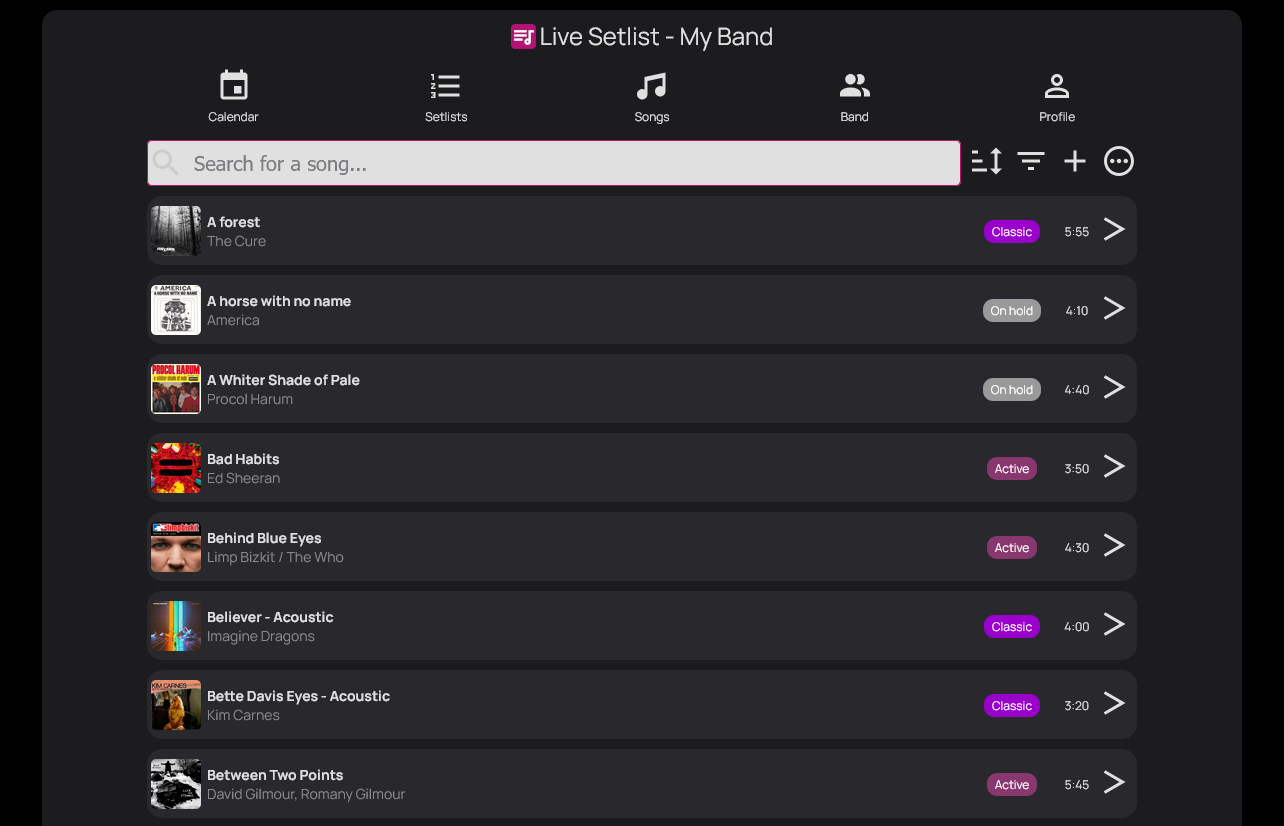
Keep audio files, keys and tempos in a shared repertoire. For each song, musicians upload their own sheet music, tabs or lyrics.
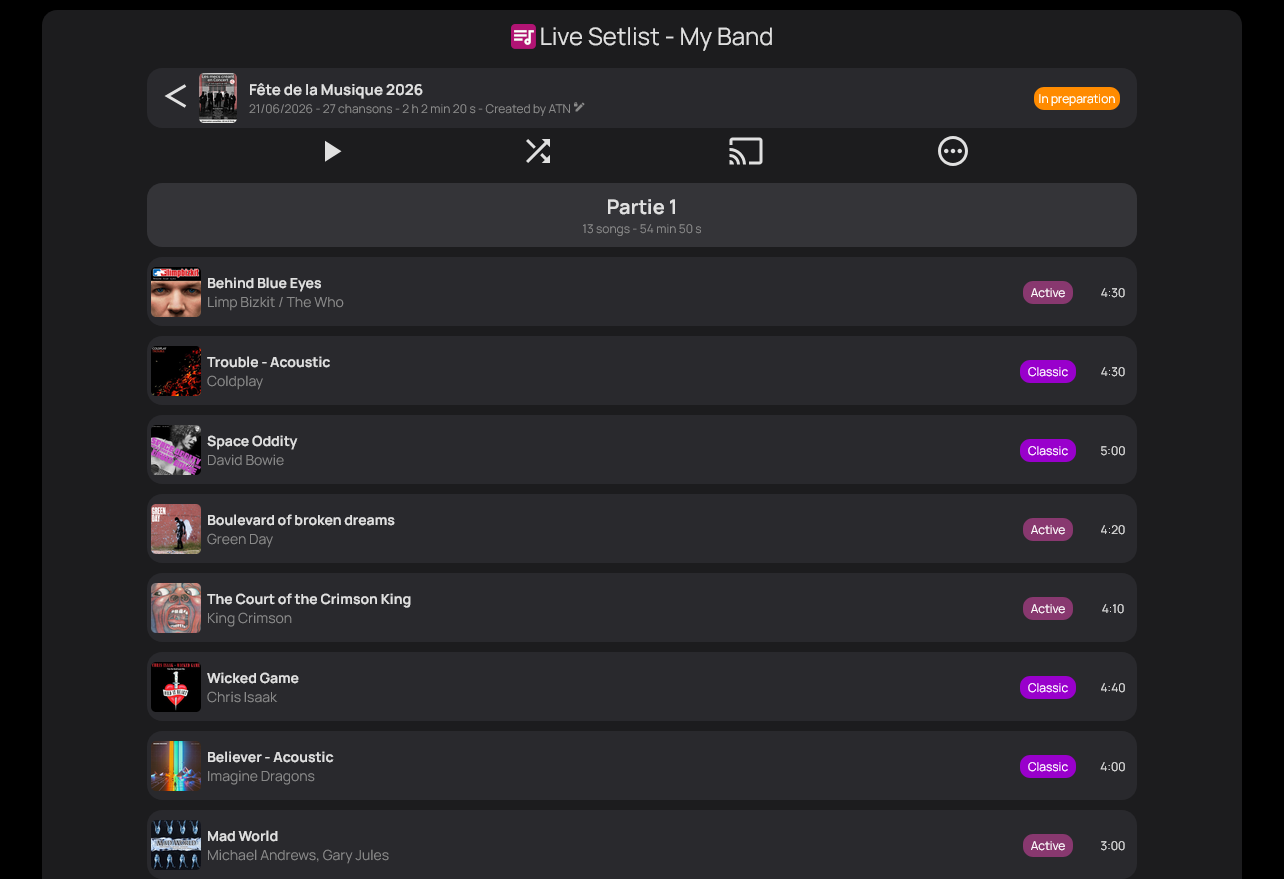
Organise songs for the next rehearsal or gig. A clear running order that your band members can access.
Keep track of band events and everyone’s availability. Find a rehearsal date and plan what comes next.
Playing in more than one band? Access each of your band spaces with the same account.
Before the show
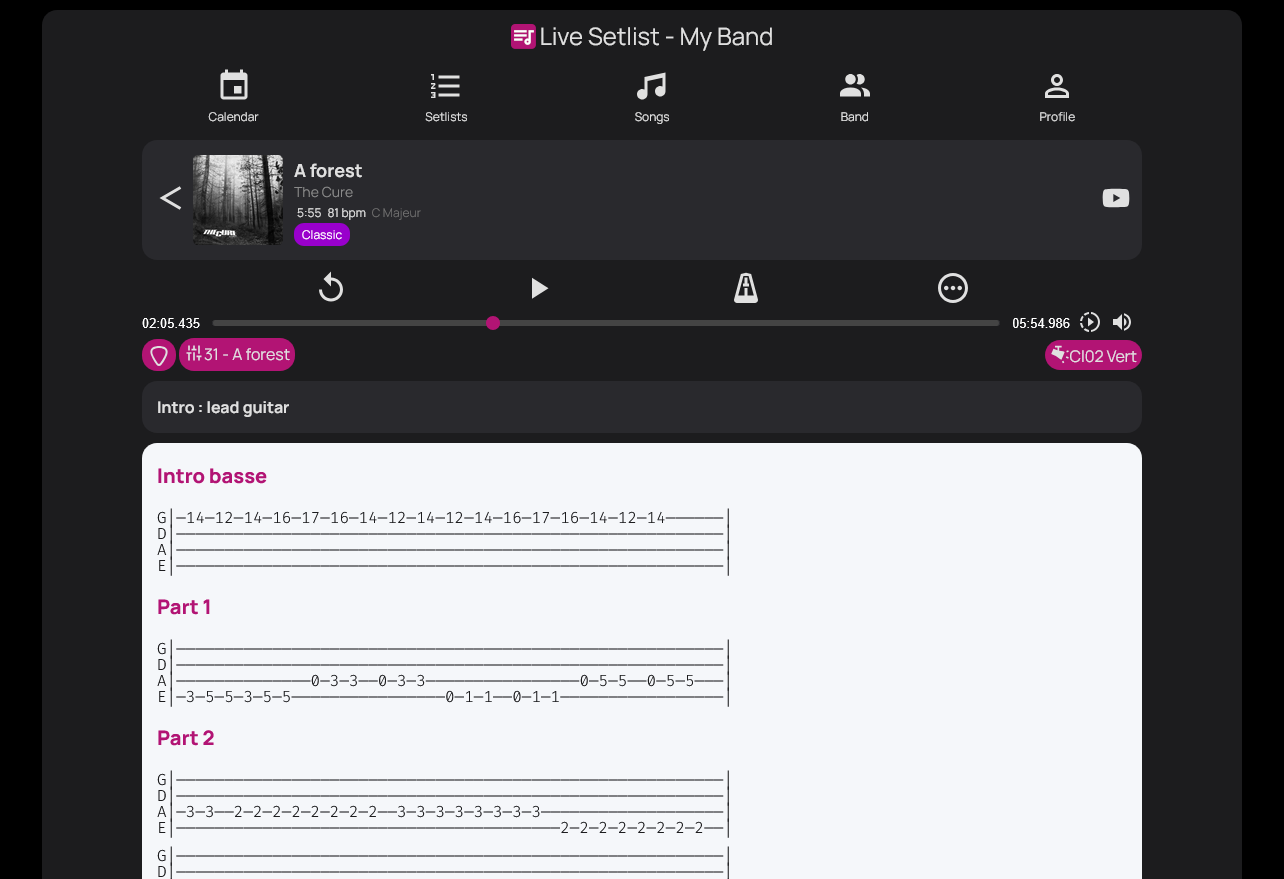
No need to open your sheet music in one app and play the music in another: find your documents, comments and the audio player on the same song.
Upload your own sheet music, tabs or lyrics to each song. Find your version in the app, together with your comments.
Listen to MP3s and backing tracks, practise a passage and find your tempo with the metronome.
Keep your personal notes and the effects to use for the song. Guitarists can find their effects pedals and planned settings alongside their sheet music.
When it’s time to play
Prepare the running order. During the concert, one musician advances the setlist and the others automatically load the current song, with their own sheet music.
A concert to share with your audience
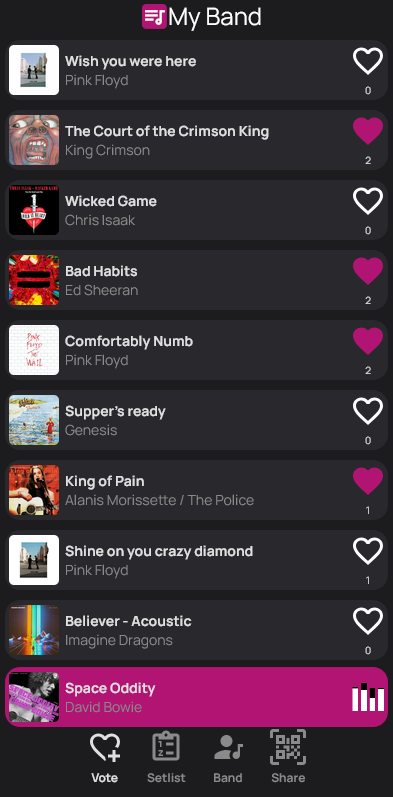
Through your band’s QR code, audience members follow the live setlist and keep voting throughout the concert. The order of songs open to voting adapts automatically to the results.
You can fix selected songs in place: they keep their position and are excluded from voting.
On their phones, audience members can view the setlist as it updates throughout the concert.
Voting is part of the whole show: your audience keeps participating while you play, not just before the first song.
Votes automatically reorder the songs still to be played, except those the band has fixed in place.
From the stage
Three musicians describe their concerts with audience voting. Testimonials translated from French.
“With Live Setlist, the band becomes a living jukebox! The audience just has to choose what they like from our repertoire, and it works really well”
“Live Setlist? The audience loves it! Young and older alike...”
“A QR code for voting? People love it!!”
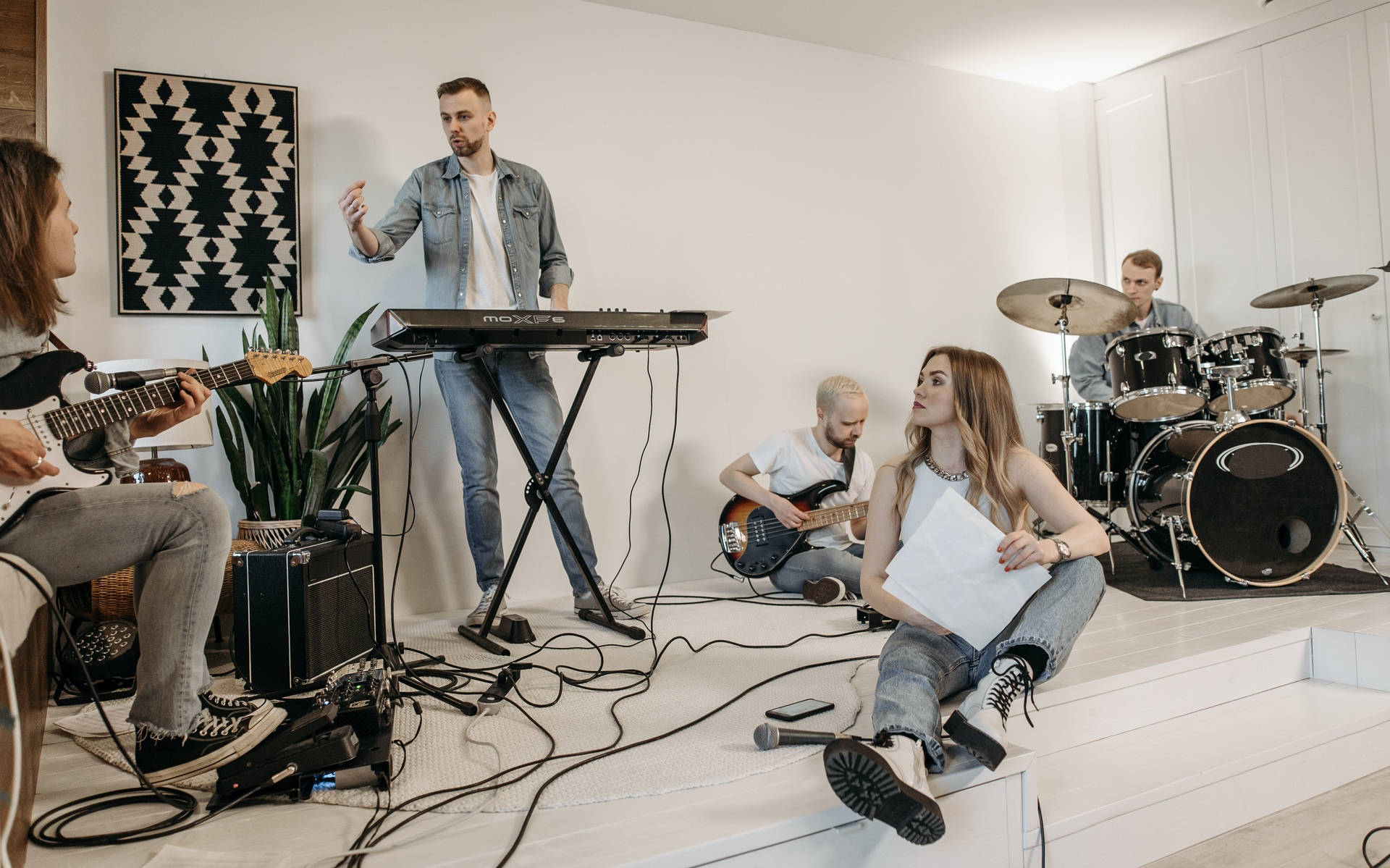
A project shaped together
Live Setlist grew out of bands’ needs in rehearsals and on stage. Their musicians suggested ideas, tested the early versions and helped the app evolve through regular use.
The project remains independent, with a lightweight setup and modest hosting costs. The app is free and has no advertising, so other bands can use these tools too.
A few songs are all you need to begin
One account, one band and your first repertoire.
Each musician joins the band with their own access.
Add songs and pick the ones you want to rehearse.
You can start on your own and invite your band later.
Yes. Live Setlist is a small independent project with modest running costs. All features are available for free, with no advertising.
Yes, to organise your songs and practise with your sheet music. You can invite other musicians to share your repertoire later.
No. Live Setlist runs in a browser on a computer, tablet or phone. A tablet or computer is more comfortable for reading sheet music.
Yes. Your account can belong to several bands. Their repertoires and memberships stay separate, and you can switch between your band spaces.
Yes. PDF exports let you print them or view them independently of the app. The current version of Live Setlist runs online.