
Individual accounts, a shared band
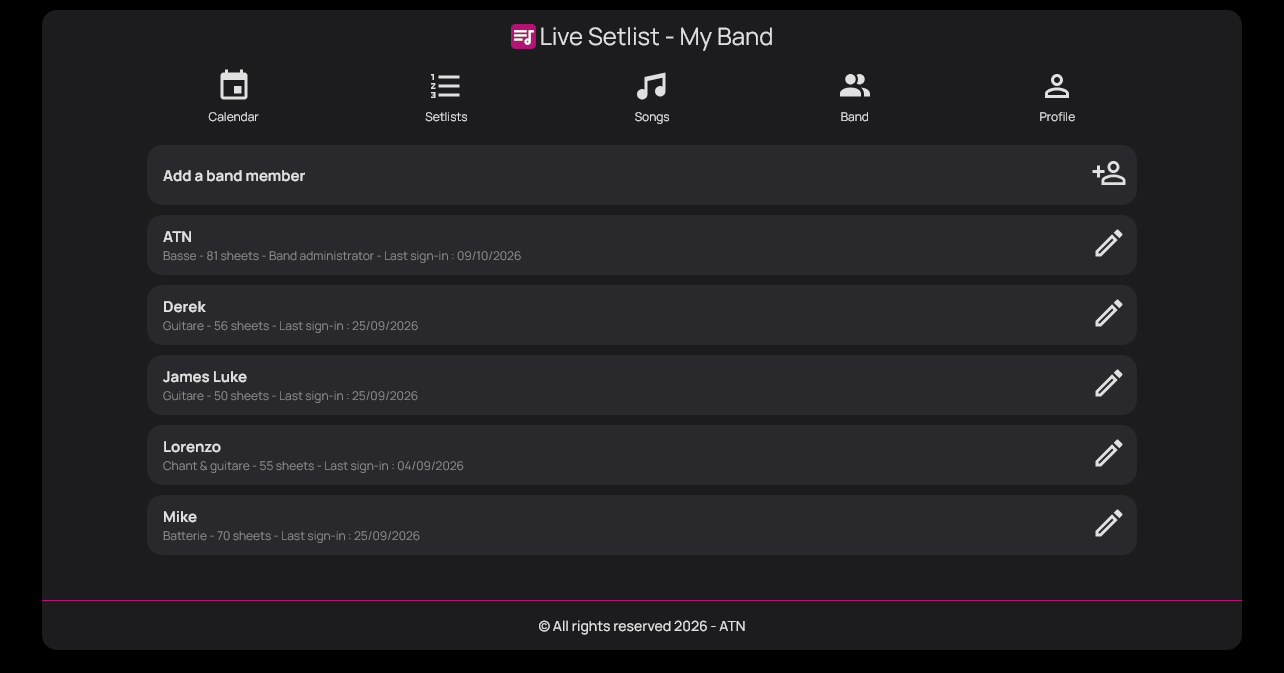
Invite musicians by email: everyone uses their own account. Administrators manage the band and its content. One account can join several bands, with their spaces kept separate.
Features
A shared repertoire, each musician’s sheet music, the band’s dates and setlists to prepare together. Here is how Live Setlist’s tools fit into everyday practice, at home, in the rehearsal room and on stage.
Play together
For example: a new song joins the repertoire. Each musician uploads their own sheet music, tabs or lyrics to it, then adds their comments and the effects to use.
Invite musicians by email: everyone uses their own account. Administrators manage the band and its content. One account can join several bands, with their spaces kept separate.
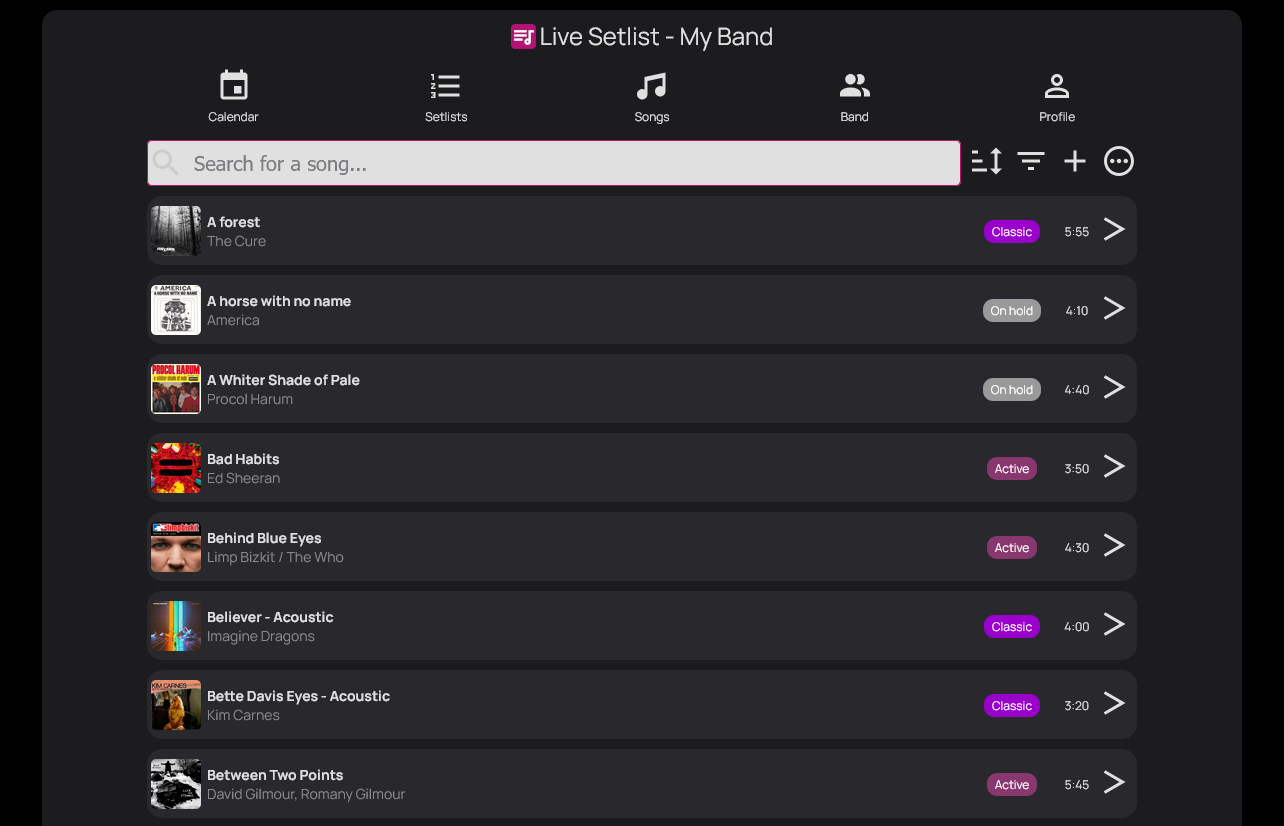
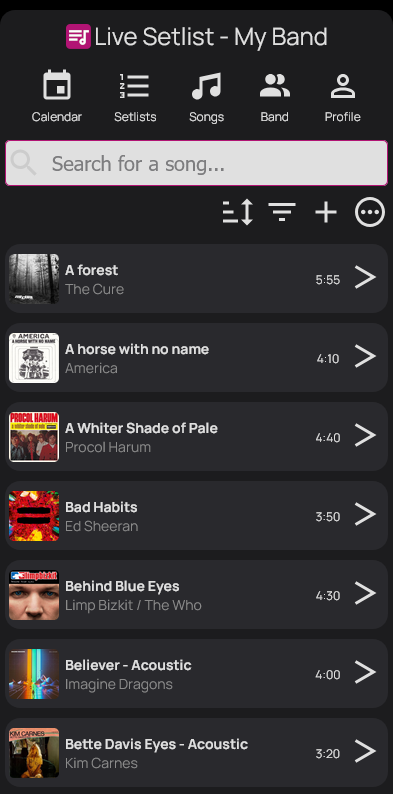
Keep the artist, status, duration, tempo, key, transposition, audio files and useful links together. The shared repertoire helps you find songs that have been suggested, are being rehearsed or are ready to play.
Calendar and availability
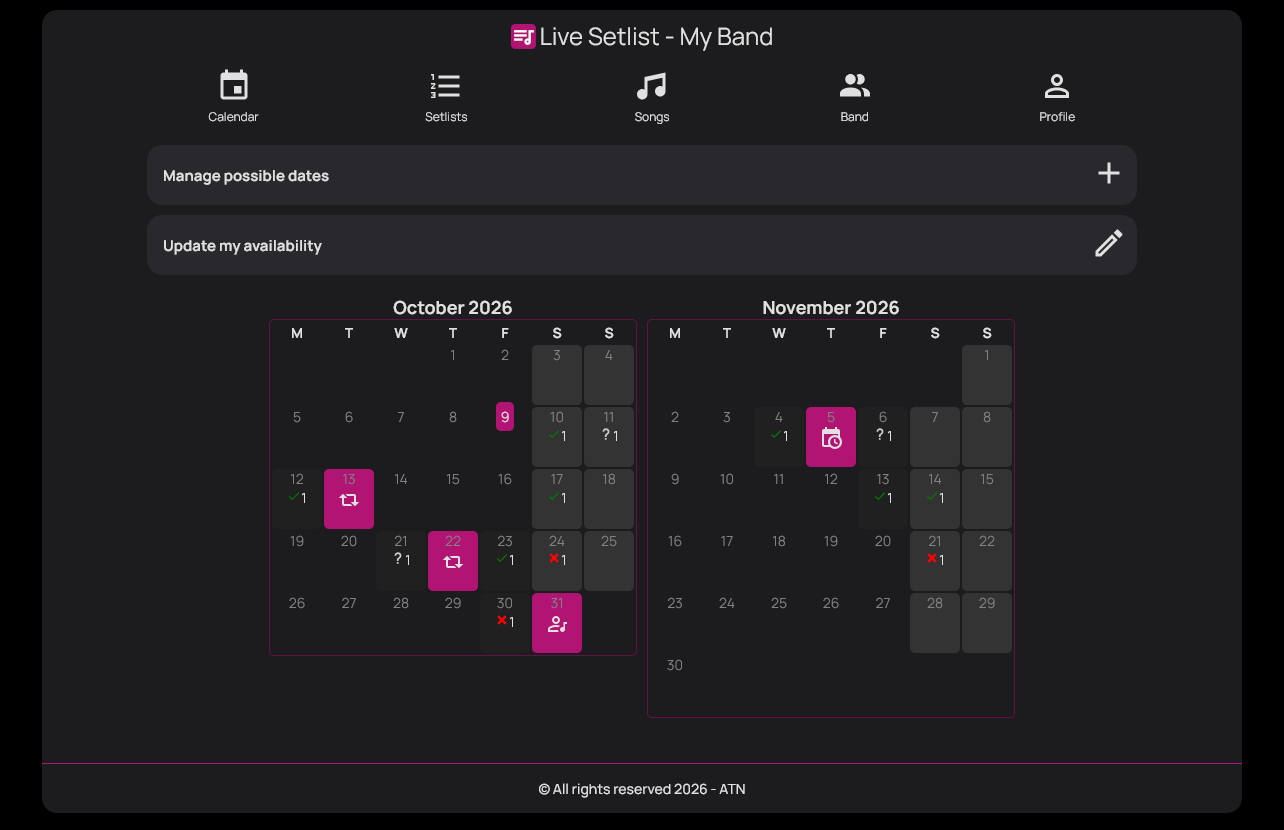
For example: propose several rehearsal dates, each musician adds their availability and the band can see which dates work. Find the details of upcoming rehearsals and gigs too.
Administrators select the dates for which the band wants to check its members’ availability.
Each musician adds their availability for the proposed dates. The band’s view brings the responses together to help choose a rehearsal or concert date.
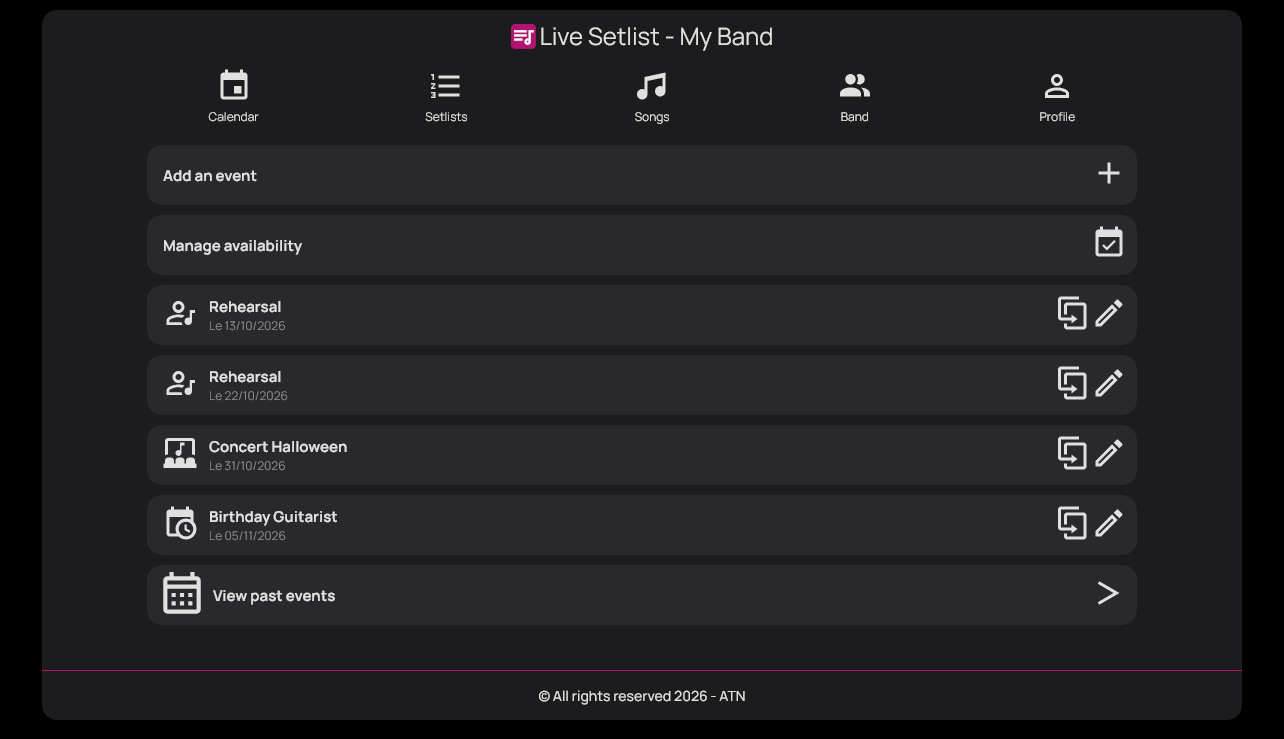
Record band events with their times, locations and useful information. You can link a setlist to an event to find the programme planned for that date.
Rehearse
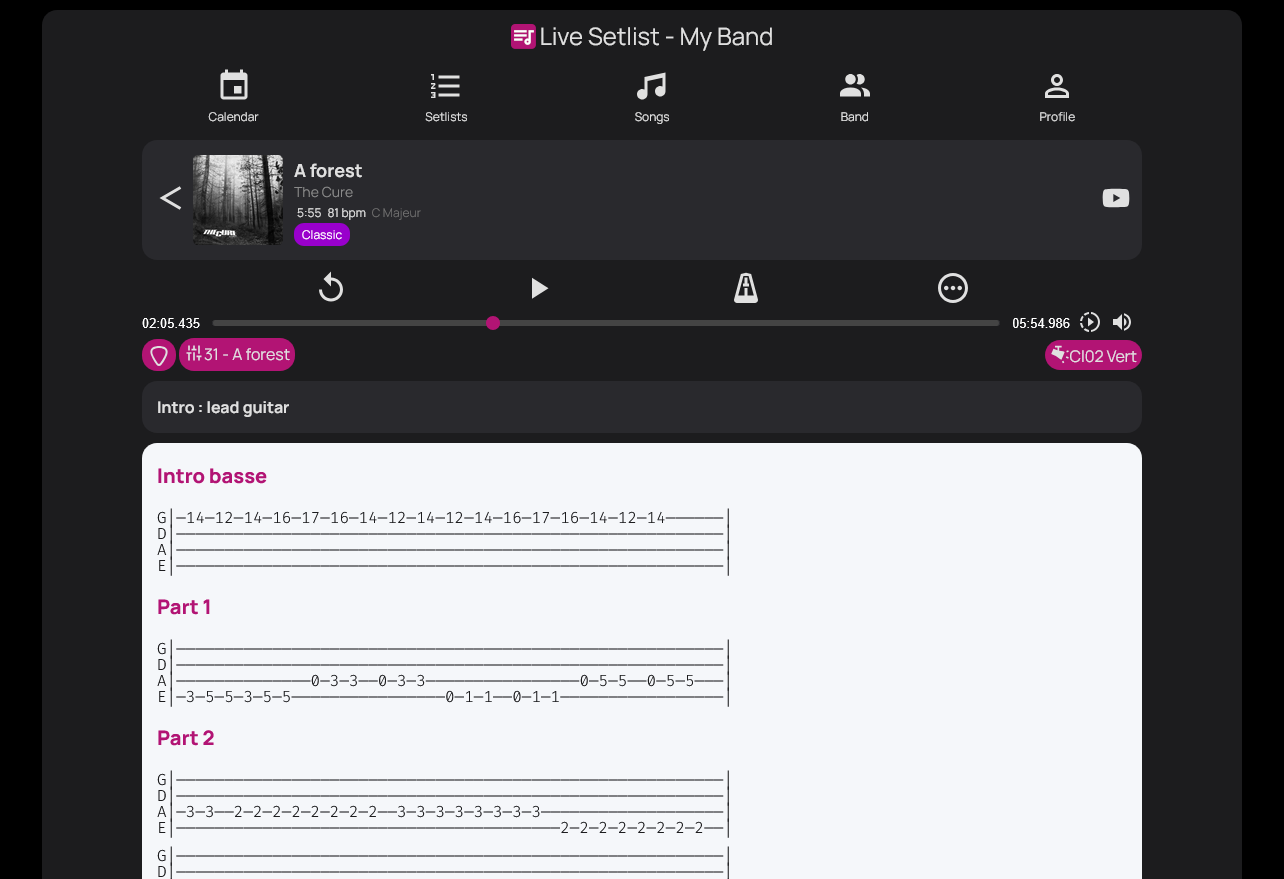
Without a shared tool, you need to open your sheet music in one app and play the music in another, such as Deezer or Spotify. Live Setlist brings your documents and the player for audio files uploaded to the song together on the same screen.
Each musician uploads their own sheet music, tabs or lyrics to a song as text, a PDF or an image. They can add personal comments and view the other band members’ documents.
Read your sheet music while listening to the song’s MP3 or backing track, without switching apps. Practise a passage and find the tempo with the metronome. The player uses audio files uploaded to Live Setlist.
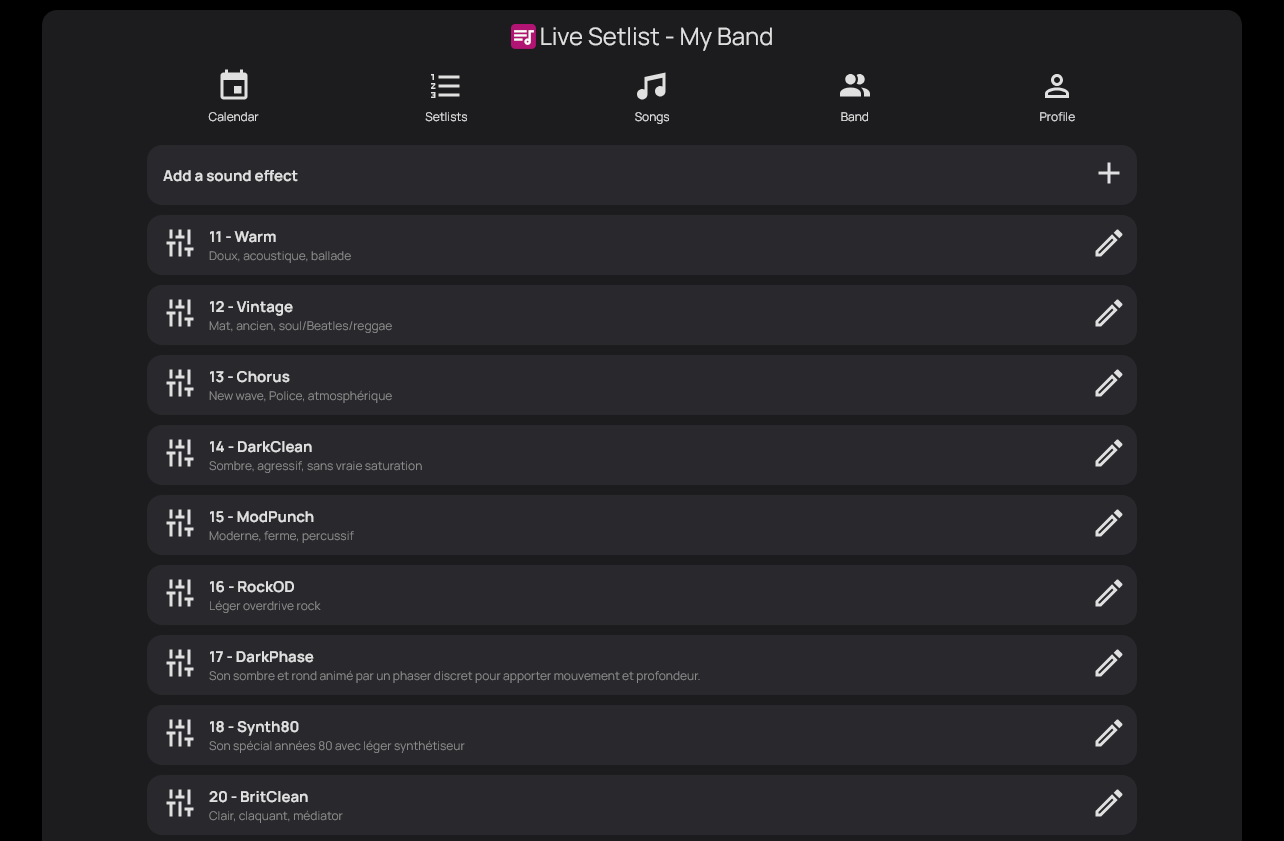
Find the effects to use for each song alongside your sheet music. Guitarists can record their effects pedals, presets and planned settings. This information belongs to each musician: the app keeps it visible, without controlling the pedalboard or processing audio.
Use a compatible page-turning pedal, such as the LEKATO Wireless Page Turner Pedal Foot Controller, to scroll your sheet music without putting down your instrument. The pedal must send keyboard commands recognised by the app; compatibility depends on your device and the selected mode.
Prepare for the stage
For example: a lead musician advances the concert using the previous-song and next-song controls. Other band members follow in concert mode and the current song loads automatically on their screens.
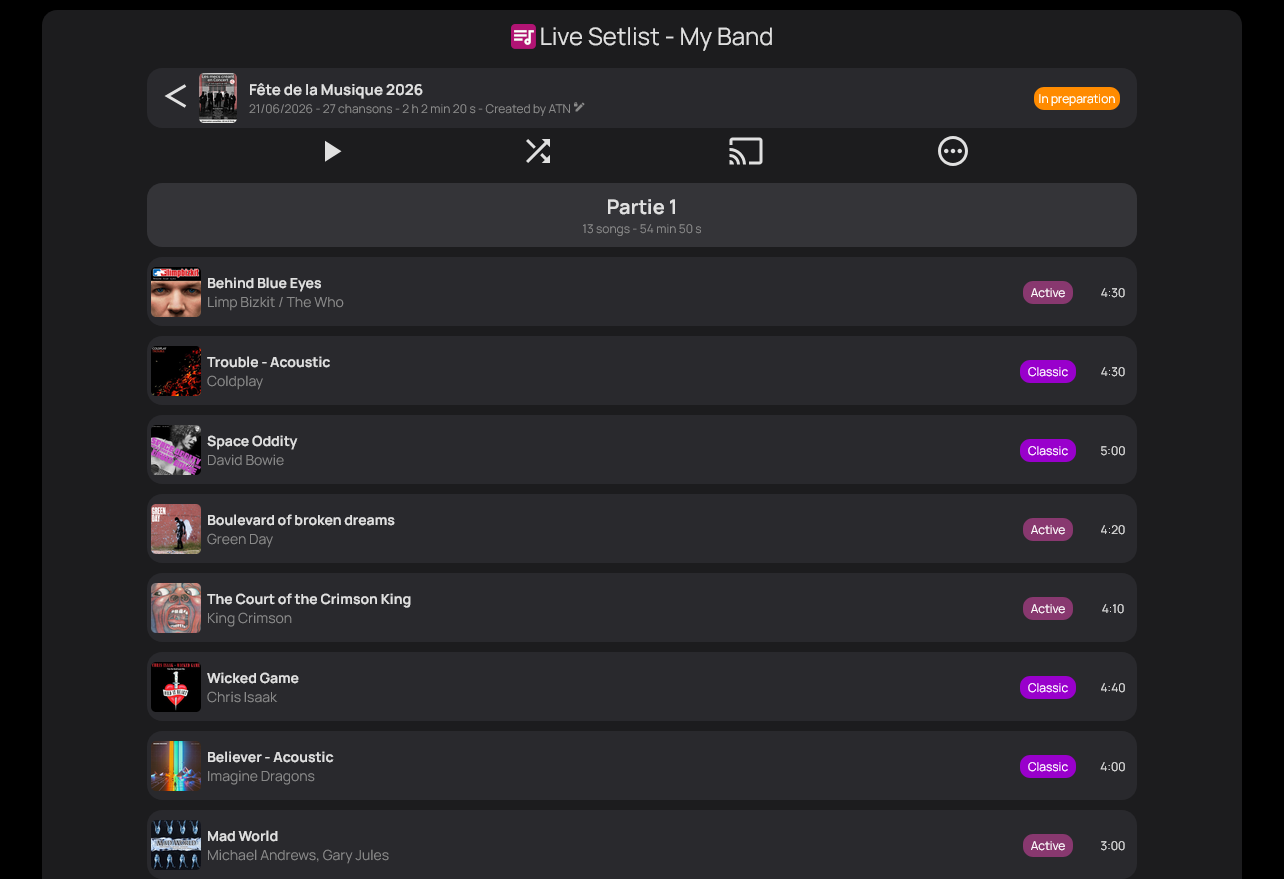
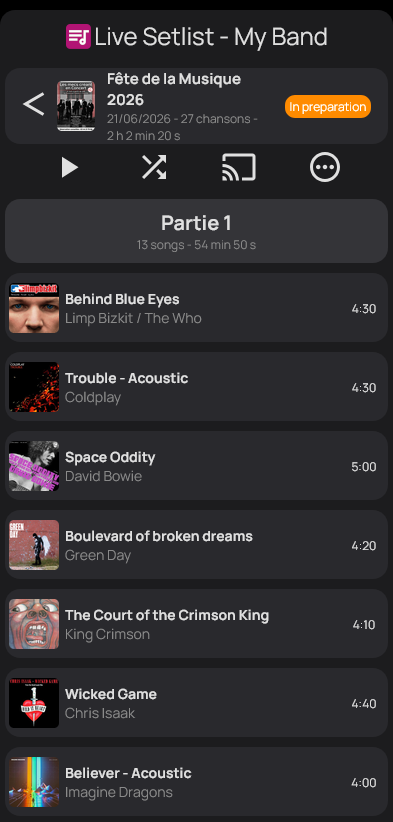
Create lists for rehearsals and gigs from the band’s repertoire. Arrange the songs and check the total duration, calculated from each song’s duration.
One lead user controls progression through the setlist. When they change songs, the other members in follow mode automatically load the current song and find their own sheet music, without having to navigate the list individually.
Export your setlist and sheet music to print or view independently of the app. These files let you prepare a backup if an Internet connection is unavailable.
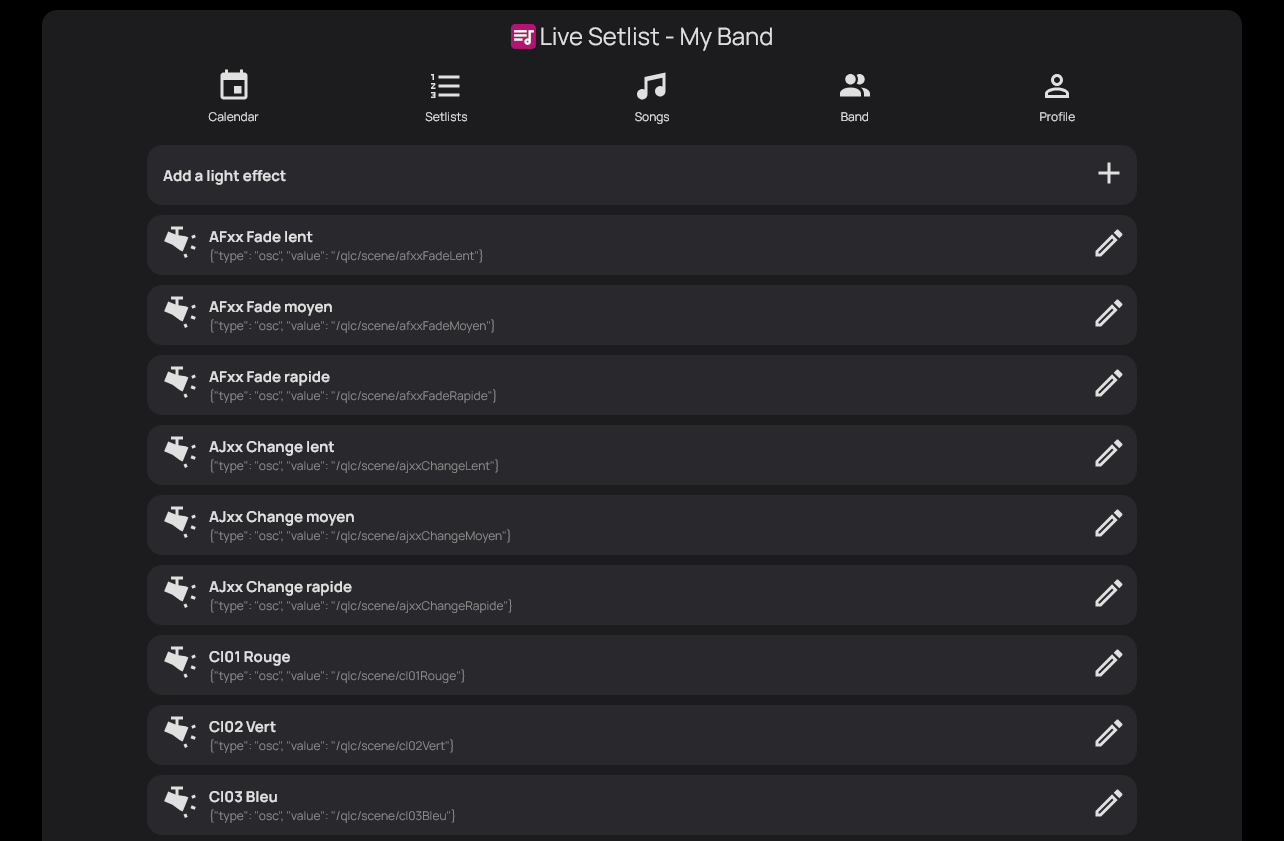
Define lighting effects and link them to songs to keep track of your concert’s moods. This covers managing effects and linking them to songs, not automatically controlling the lighting.
Involve your audience
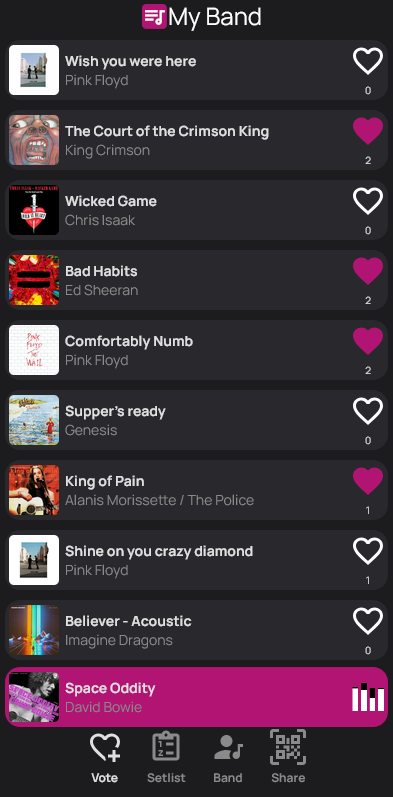
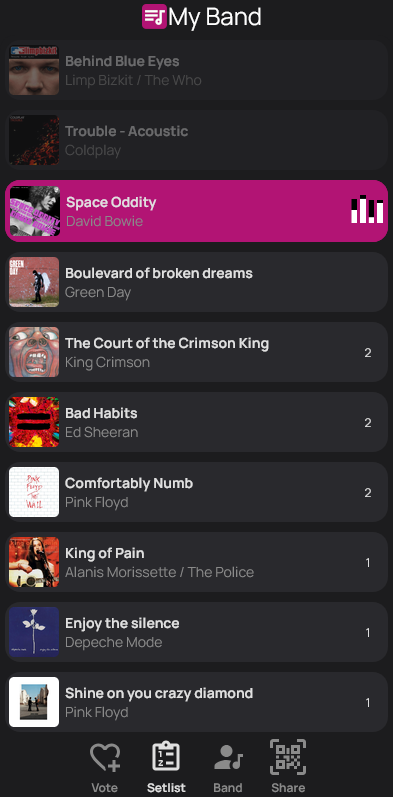
For example: audience members scan your band’s QR code, follow the live setlist and keep voting during the concert. Votes automatically adapt the order of songs that are not fixed in place.
Your audience follows the updated setlist and votes for songs they want to hear throughout the show, rather than taking part in a poll only before you play.
Fix songs whose position needs to be preserved. They are excluded from voting; eligible songs still to be played are automatically reordered according to the results.
You can also prepare and play a setlist without enabling voting. The shared repertoire and rehearsal tools are useful either way.
Live Setlist runs in a browser, in English or French, on a computer, tablet or phone. A tablet or computer is more comfortable for reading sheet music.
Create a band, add a few songs and invite the other musicians. All features are available for free, with no advertising.