
Follow the concert
On their phones, audience members can view the setlist as it updates throughout the concert.
A concert to share with your audience
Not a poll before the show: an interaction that continues throughout the evening. Your audience follows the concert and helps shape what comes next, song by song.
A concert to share with your audience
Through your band’s QR code, audience members follow the live setlist and keep voting throughout the concert. The order of songs open to voting adapts automatically to the results.
You can fix selected songs in place: they keep their position and are excluded from voting.
On their phones, audience members can view the setlist as it updates throughout the concert.
Voting is part of the whole show: your audience keeps participating while you play, not just before the first song.
Votes automatically reorder the songs still to be played, except those the band has fixed in place.
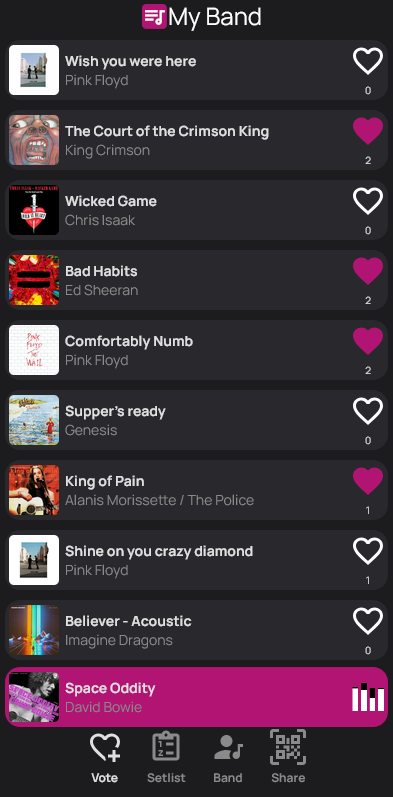
Choose the songs to offer your audience and enable voting for your concert.
Fix songs that need to stay in a specific position. They are excluded from voting; the rest of the setlist can adapt automatically.
Audience members scan it to access the concert interface. On their phones, they can follow the live setlist and vote throughout the show.
Voting is optional: you can also play a prepared setlist without audience participation.